
Slide Sandal Sample Approval Checklist: Buyer Checklist
Record shape, fit, sole feel, band design, colour and logo decisions on the actual slide sample
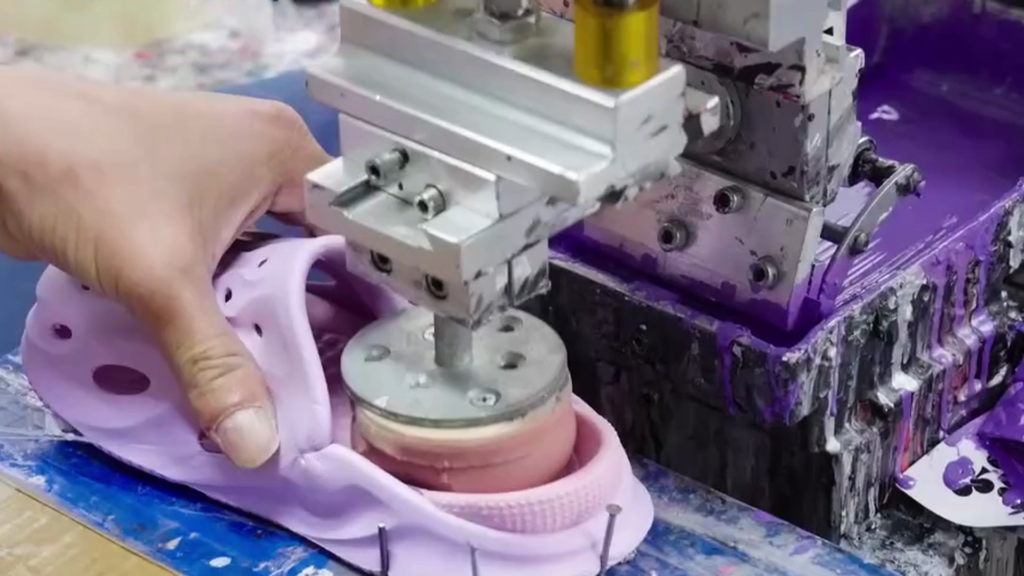
A slide sample can match a picture while material, band placement or the approval revision remains unclear. A blanket approval can leave the buyer and supplier using different references.
Use a physical-sample record to compare the band, sole, colour and logo, then assign accepted, open or revise status to each point.
Direct answer: Identify the assembled slide sample and its version, then compare its band, sole shape, colour and branding with the agreed references. Record each observation separately from accepted, open or revise status, with a decision owner and next-version action. A photograph does not establish composition or performance; unresolved feel or evidence questions stay named. You can enquire with the references and information available.
Identify the slide sandal and sample version
The physical slide and its version label give every approval comment a subject. Start with that identity before comparing the band or sole. An unlabelled photograph can lead the buyer and supplier to discuss different pairs, leaving the wrong design in the approval record.
- Match the pair to its identifier. Put the model reference, sample version and marked size beside the review date. If the label and supplier message disagree, resolve that difference before accepting a comment against this pair.
- Show the band and sole together. Keep top, side and sole views linked to that identifier. Compare them with the selected reference, rather than treating a detached band image as approval of its assembled position.
- Separate requested changes. List the part to change and retain the earlier instruction. A change absent from the current version stays open; ask which returned sample will address it.
- Check the review basis. Identify the current drawing or specification beside the pair. An older document should not silently supply the approval criteria for a revised design.
The shoe specification drawings guide combines part references, views and supporting sample information. Use that document basis to identify the proposal, then check any changed work against the quote before approval.
Check the assembled band, shape and fit
Use the agreed band-and-sole specification and reference for visible placement checks, and the identified sample size for any fit discussion. They answer different questions. A band can resemble the drawing while a size label or an unrecorded change leaves the intended comparison uncertain.
- Band coverage and position: Compare the assembled top and side views with the current design reference. Mark where a visible edge differs. A misplaced band risks approval of the wrong layout. The supplier should return a response to that marked location before the buyer closes the item.
- Pair shape and alignment: Look at both slides against their corresponding reference views. Identify which side and component a comment concerns. If a needed view is missing, request it rather than accepting an unseen detail.
- Size identity: Record the marked size and buyer-declared system together. The shoe-size overview notes that systems differ; it does not validate this pair’s fit or provide a conversion for the order.
- Fit questions: Keep the selected pair and the agreed review basis with any fit comment. Ask the buyer to identify what remains unsatisfactory; leave that item open until the required comparison or response is agreed.
Discuss proposed changes through Customization. Check whether the quote covers the requested band revision before authorising that work.
Product route
Use the Slides range to identify the style direction. Product photographs are appearance references, not confirmation of model composition, fit or performance.
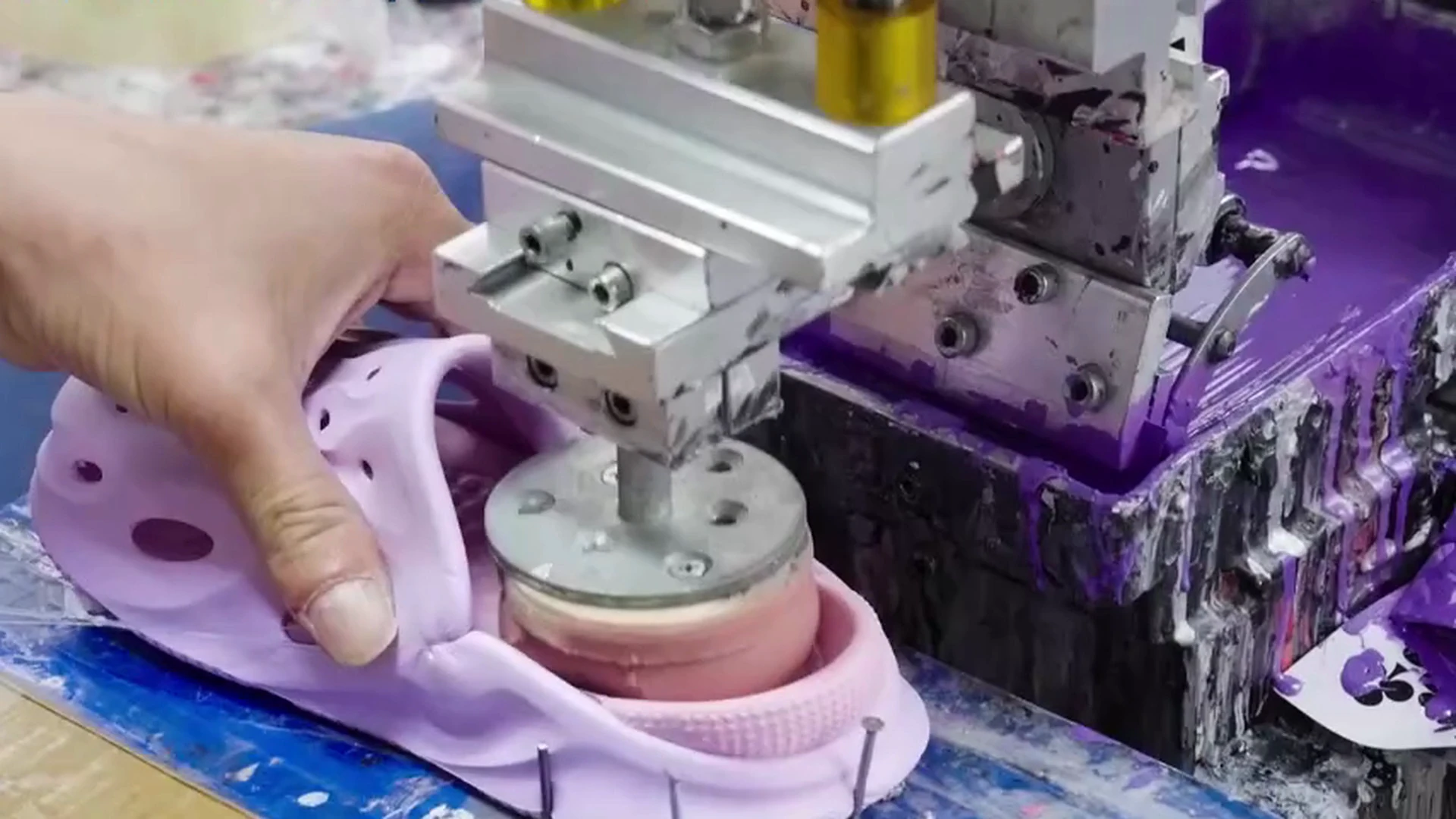
Approve colour and branding on the physical pair
The agreed colour reference and artwork revision belong beside the slide being reviewed. Identify which component each decision covers. Acceptance of the band colour should not silently approve the sole shade, logo position or a later artwork file.
- An unnamed colour target: Place the agreed physical colour reference beside the relevant part. If the target is only an unidentified screen image, select a usable reference before closing the colour item. An unnamed target is a red flag: you risk accepting the wrong shade.
- An older artwork file: Match the sample’s logo with the current file name or revision. Give the supplier the changed artwork and identify which returned version needs review; do not carry an earlier acceptance onto an unseen revision.
- An unclear logo location: Mark the intended position on the band view and compare that area on the physical pair. A vague instruction to move the logo leaves the supplier guessing. Return a marked view for clarification before approval.
- A decision with no component name: Record the band, sole or logo item separately. An unanswered application or finish question stays open even if the overall appearance is attractive.
Check whether the quote includes any requested branding revision. If you also review designs from Sandals, keep a separate reference and colour decision for each style.
Review sole feel and proposed material
Treating a photograph as a material specification risks approving an unanswered question. Separate the supplier’s proposed composition from the feel the buyer wants to compare on the physical slide. Neither a surface image nor a broad description such as soft establishes both.
Separate appearance from composition
Identify the sole component in the current reference and request its proposed material description. Keep that declaration beside the drawing or sample version. If it has not been supplied, record composition as open and identify the reply needed. A visible texture can be described as an observation; it should not become an assumed formula or material identity.
Agree how feel-related questions will be assessed
For a requested feel comparison, identify the physical reference and the part being compared. Record the agreed basis and the buyer’s observation in separate fields. A request for a softer feel still needs clarification if the supplier has no shared reference. Leave that item open until the comparison or required evidence is agreed.
A feel comment is not a measured hardness, rebound or durability result. Any requested performance evidence needs its own defined question; this checklist supplies no method, limit or pass claim. If the sole proposal changes, ask whether the quote covers that version before accepting the revision.
Company details are on About. Keep this pair’s material and feel questions with its review record.
Create the sample approval record
Before approval becomes a production instruction, give each decision a sample version and a named subject. A blanket yes risks carrying an unapproved change into the production reference. The record below is a buyer tool, not a completed inspection or Suntop QC report.
Separate approvals from open requirements
At the top of your sheet, identify the pair, version, review date and reviewer. Complete the fields below from your own comparison. No observation or approval is prefilled.
| Component and reference | Observation to enter | Decision to record | Owner and next version |
|---|---|---|---|
| Band; selected view or reference pair | Describe the visible placement difference, if any | Accepted, open or revise for that point | Name the layout decision owner and returned pair to review |
| Colour or logo; agreed physical reference and artwork file | Identify the affected part and comparison | Keep the colour and logo decisions separate | Name the approver and next artwork or sample revision |
| Sole; proposed component and physical feel reference | Separate the supplier’s material description from the buyer’s feel comment | Leave an unanswered composition or comparison item open | Name the reply owner and the next reference required |
Identify the reference carried into bulk production
- Return one consolidated sheet. Each open or revise item should identify the supplier response needed before that point can be accepted.
- Compare the returned version with the recorded changes. Close the affected entry only after reviewing its answer; retain the earlier record.
- Identify the physical pair and specification revision proposed as the production reference. Keep unresolved points outside that approval, and check any changed work against the quote.
The footwear tech-pack guide describes retaining versions for comparison. Suntop’s Home page introduces the footwear range; this sheet identifies your particular review.
Prepare the Next Supplier Discussion
A consolidated comment sheet gives the supplier a reference to answer. Send it with the current pair identifier and views, rather than spreading decisions across unrelated messages. The useful reply identifies what changed, what is accepted and which question still has no answer.
- Which version are you answering? Ask the supplier to identify the returned pair or drawing revision beside the reply. A response to an older version risks closing the wrong comment; reconcile the identifier before changing its status.
- Which requested changes are included? Link each response to its component entry. For a change outside the quoted work, request its proposed scope and price before authorising it. An unexplained replacement should remain a discussion item.
- What remains open, and who replies next? Name the missing reference or answer and the person expected to resolve it. Keep a next-version requirement visible instead of treating silence as acceptance.
- Which physical reference carries forward? Ask for the pair identifier and specification revision associated with accepted points. Check them against the buyer’s record before closing the review.
Available photographs, comments and references can start the Suntop enquiry. You can request a sample revision while a material or feel question remains named and open.
In conclusion
A useful slide review leaves decisions attached to an identifiable pair and revision. Band placement, colour, branding and sole questions each need their own reference and observation. The approval sheet keeps those entries separate from the accepted, open or revise decision, with a person and next version attached. That reduces the risk of an unanswered material question disappearing into a general approval.
Send the record to the supplier for the next sample discussion with the information available. Check returned changes against the requested version and the quoted work before accepting them. A missing reference or required answer can stay open while the enquiry proceeds. Carry forward only the physical pair and agreed scope that the review actually identifies.
Frequently Asked Questions
Band placement, colour and sole feel need separate review entries. Acceptance of one point leaves an unanswered question about another point open.
What can a photo show and what must be handled?
A photograph can identify the visible layout and the area being discussed. Physical colour or feel comparisons need the pair and the agreed reference available to the reviewer. Neither the picture nor an attractive surface confirms the proposed composition or a performance result.
How should sole feel be recorded?
Identify the pair, version, sole component and comparison reference, then write the buyer’s observation. Keep the requested feel and the supplier’s material description in separate fields. An unclear comparison remains open; describing a sole as softer does not supply a measured value.
Which band and logo details need approval?
Review the band coverage and position on the selected sole, plus the logo’s current artwork and intended location. Mark the specific part and view when requesting a revision. Keep any unanswered application or finish question distinct from acceptance of the visible layout.
How should colour revisions be tracked?
Record the component, colour reference, requested change and returned version together. Compare the revised physical pair with that reference before updating its decision. Retain the earlier entry so a later reviewer can see which revision the colour approval describes.
What unresolved specifications should stop approval?
Leave the affected item open when its agreed reference, requested material description or comparison basis is missing. Identify the reply needed before that point becomes part of the production reference. You can begin a Suntop enquiry with partial information; that discussion is separate from accepting an unresolved sample requirement.
RFQ handoff: Send the slide sample/version reference and the items marked open or revise. Ask which reference or next-version response is needed; you can begin with partial information. Send Specs for Review.